Setting Date Restrictions for Discussions
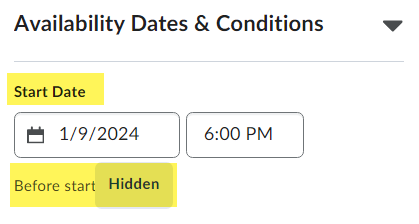
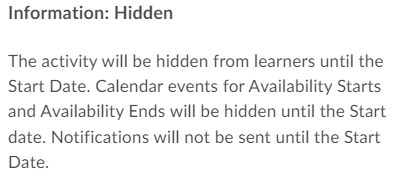
D2L offers instructors several options to limit viewing or posting access to Discussion Forums and Topics based on Availability Date Properties. The following provides an overview and some visual comparisons.
To modify the visibility/ availability of a Discussion Forum, click on the Restrictions tab.
NOTE: All restrictions that are applied to a Discussion Forum will be applied to all Discussion Topics within that Forum.
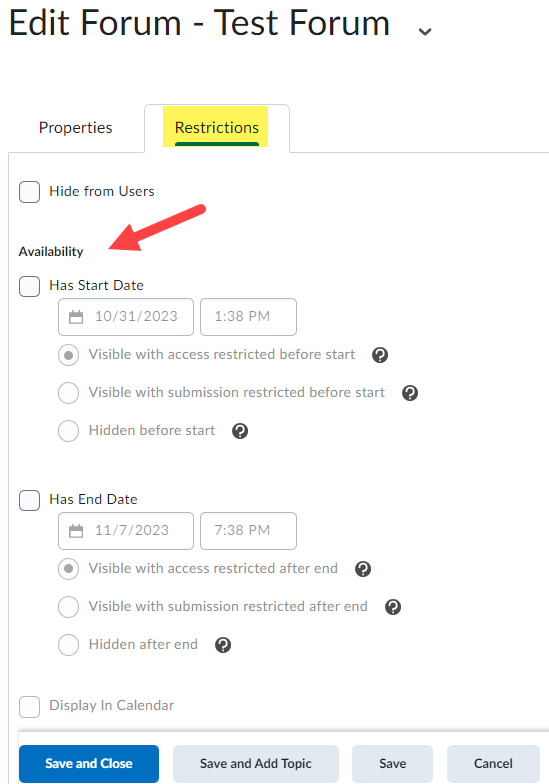
Alternatively, you may choose to set restrictions for individual Topics:

You may select from the following locking options in the dialog: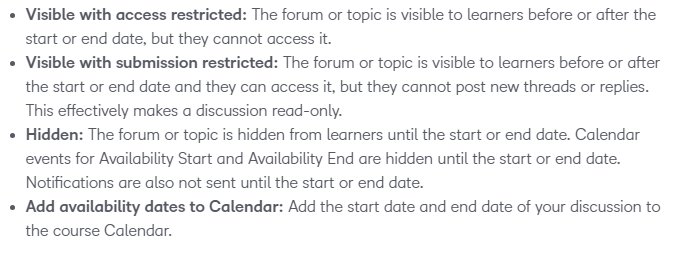
NOTE: As instructor, you still have full access to the Forums and Topics. These restrictions will only affect students enrolled in the course.
Also, when you set Start or End Dates for activities such as Dropbox assignments or Discussions, D2L applies default visibility settings. You can customize these defaults to match your preferences, but they need to be set separately for each course. Watch Video
1. Go to Edit Course > Default Availability Dates.
2. Adjust your preferred settings.
3. Click Save.
| Topic Restriction Option | Instructor View | Student View |
|---|---|---|
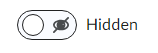 | 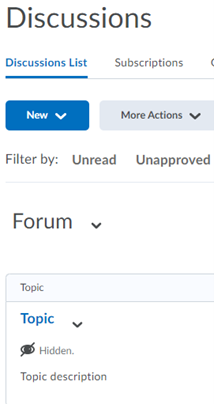 | 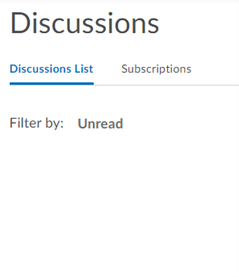 |
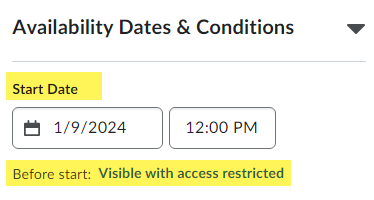 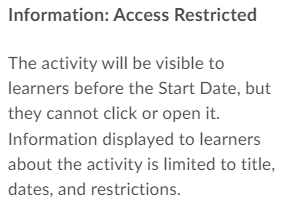 | 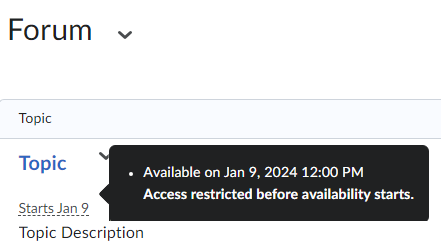 | 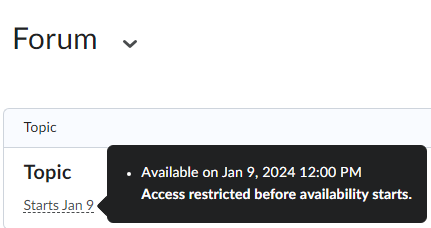 |
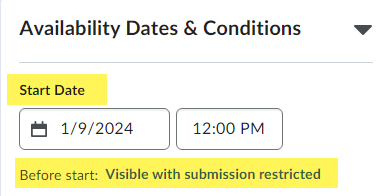 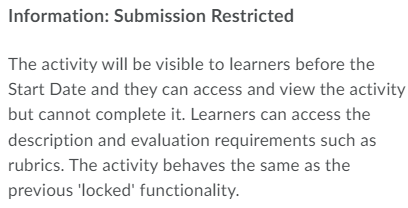 (Read-only discussion) | 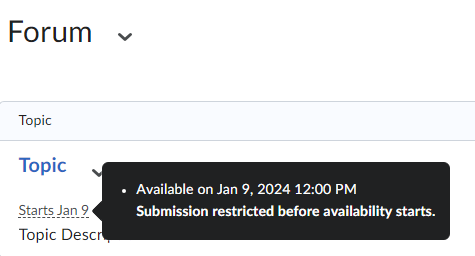 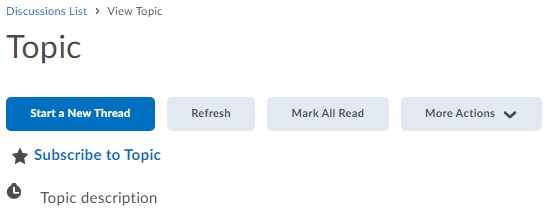 | 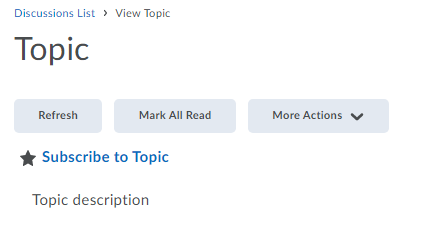 |
  | 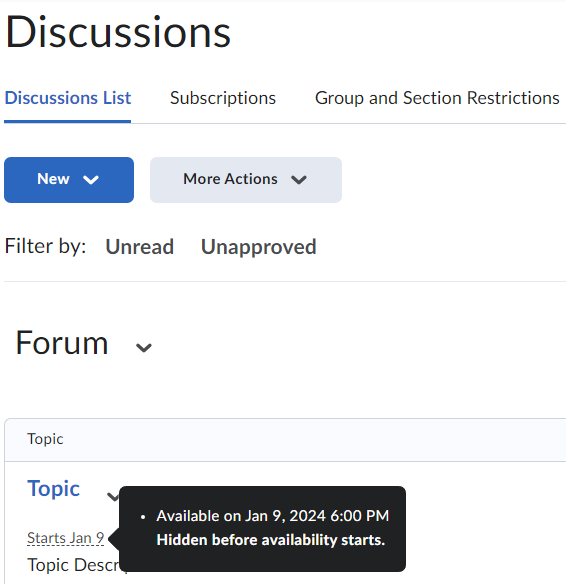 | 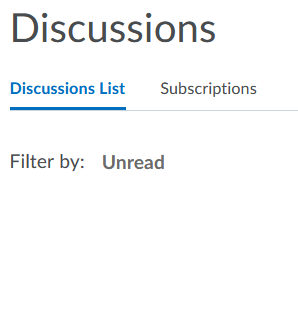 |
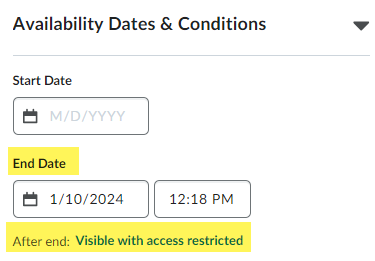 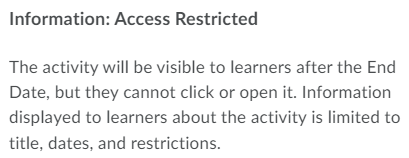 | 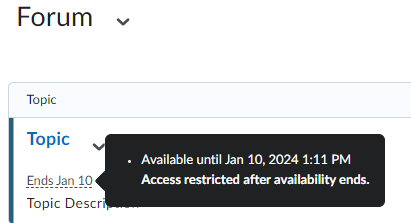 | 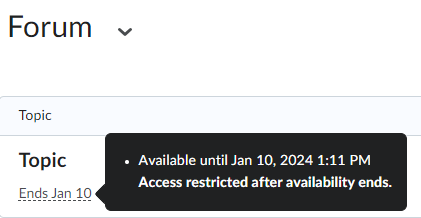 |
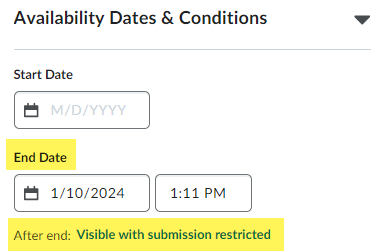 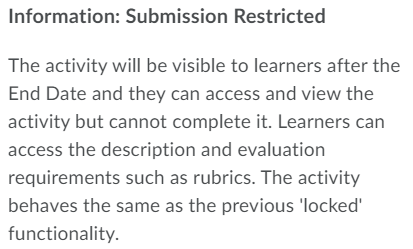 (Read-only discussion) | 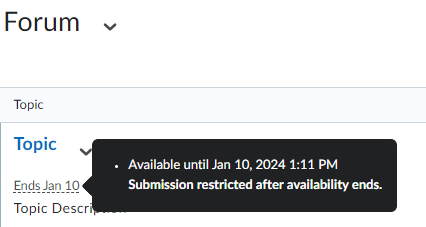 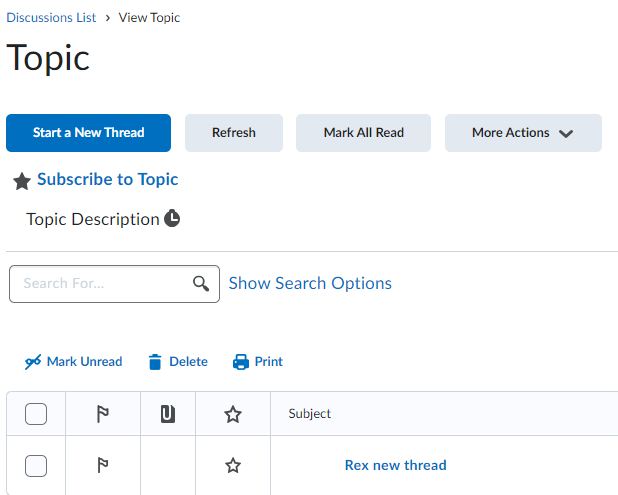 | 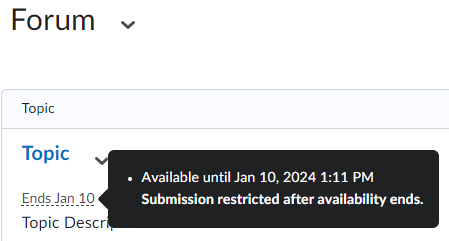 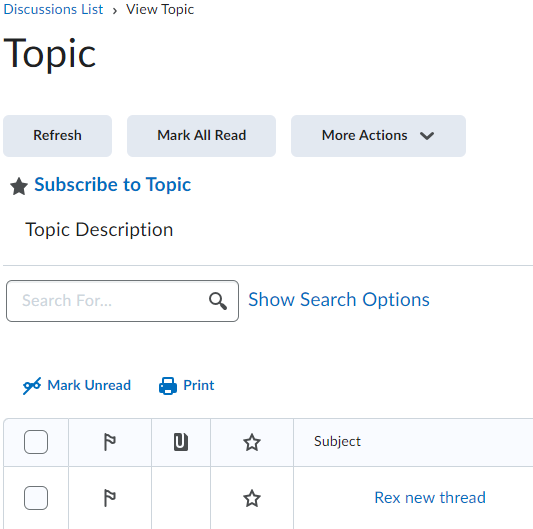 |
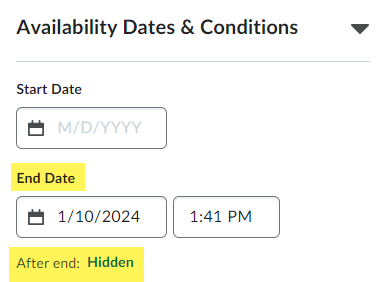 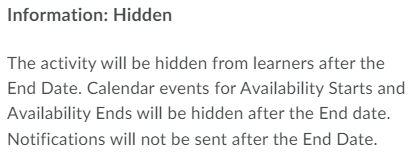 | 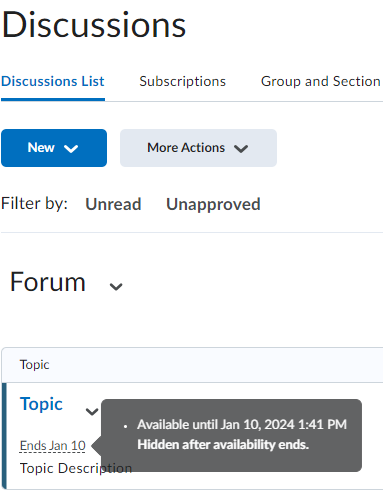 | 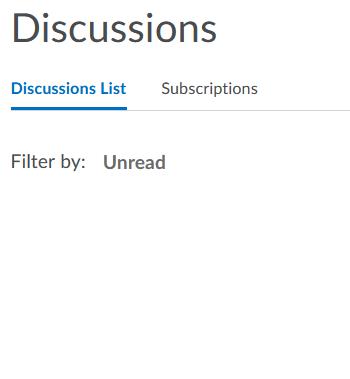 |