Captioning a YuJa Video
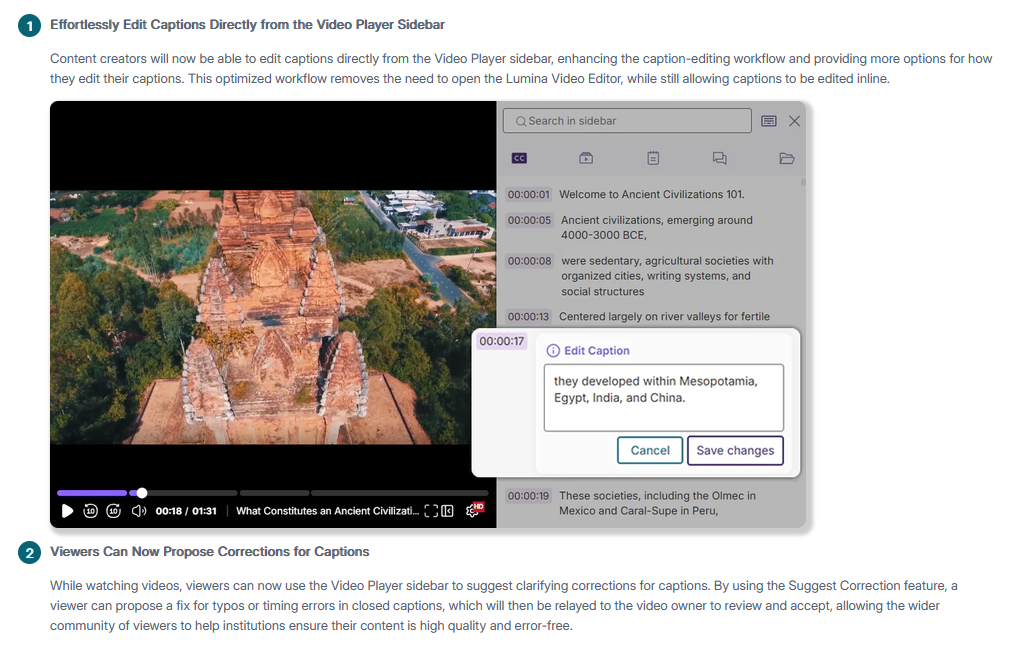
By default, auto-captioning (in English) is turned on for videos that you upload to the YuJa platform. We strongly recommend having captions generated to make your content more accessible. If necessary, you have the option to edit the transcript after. See section below on how to Edit Captions.
However, if you wish to turn off auto-captioning, or change the language associated with the video, please click on the Manage Captions button to make changes before uploading your video.